DeslicerDeslicer
PlatformWorkflowsHow it worksPricing
Sign InTry free for 7 days
Try free for 7 days
PlatformWorkflowsHow it worksPricing

Resources

Use casesIntegrationsROI calculatorDocsBlogCompareGlossaryFAQAboutContactSign in

GOVERNED CHANGE MANAGEMENT FOR SPLUNK

Let agents run Splunk. Keep control.
Keep the evidence.

Give AI agents and people one process to propose, approve, deploy and verify Splunk changes. Know what changed, who approved it, and whether it worked.

Start your 7-day free trialSee how changes work
The governed change process for Splunk

Every change follows a plan

  1. Propose a change

    An AI agent or teammate defines what will change.

  2. Review and approve

    Your team checks the plan and decides what can run.

  3. Deploy the approved plan

    Start the run and follow progress on each server.

  4. Verify the result

    Check the outcome against the plan. Keep the evidence.

See the change process

For Splunk Enterprise and Splunk Cloud Platform teams.

Splunk partner award winner, 2025

From proposed change to verified result.

A change plan records what will change and where. Your team reviews it before deployment, then checks that the result matches.

Turn off an unused web interface

Draft

Selected server: example-forwarder-01

etc/apps/forwarder_baseline/local/web.conf · [settings]

−Currentstartwebserver = 1
+Proposedstartwebserver = 0

Know what will change.

An AI agent or teammate proposes turning off a web interface this Splunk server does not need.

Current
Web interface on
Proposed
Web interface off
Scope
1 setting on 1 server

The plan defines the change before anything runs.

SECURITY ADVISORIES

Find affected hosts. Review the fix.

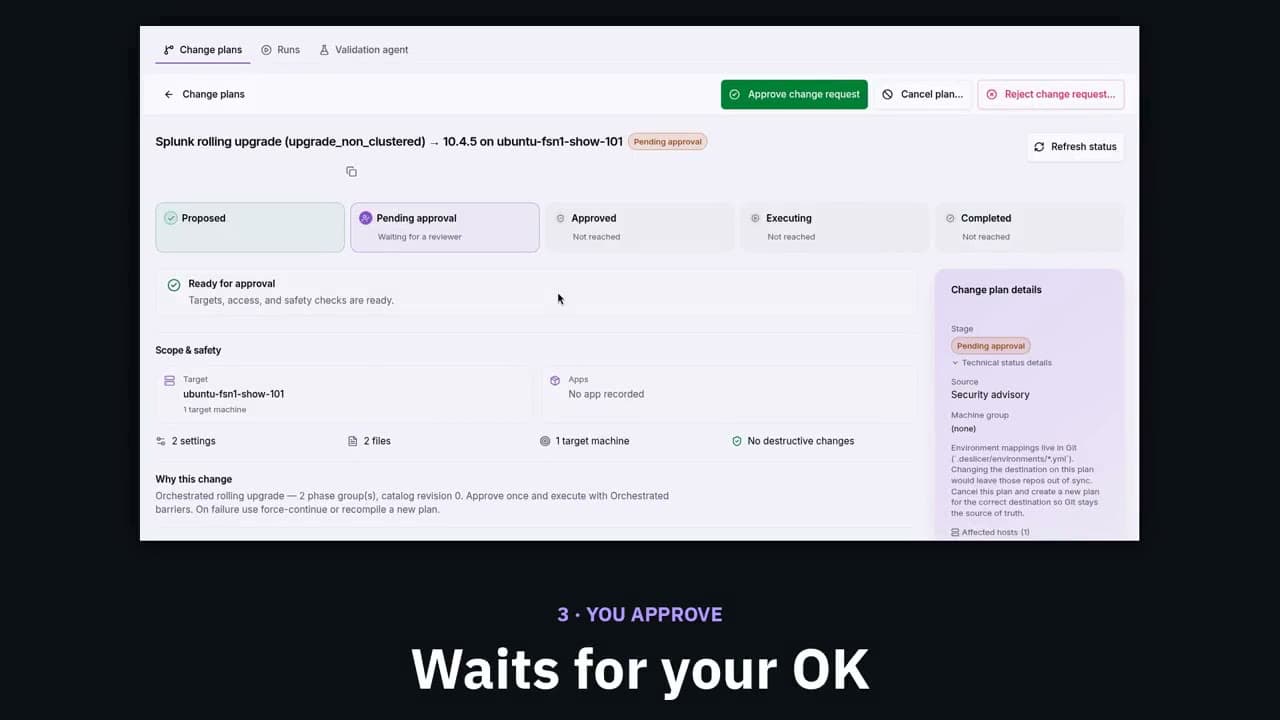
Match advisories to your hosts and prepare an upgrade or mitigation plan for review.

Explore advisory response
0:00 / --:--
Review an advisory and approve an upgradeRecorded workflow · 0:18

APPS & UPGRADES

Check the package. Plan the rollout.

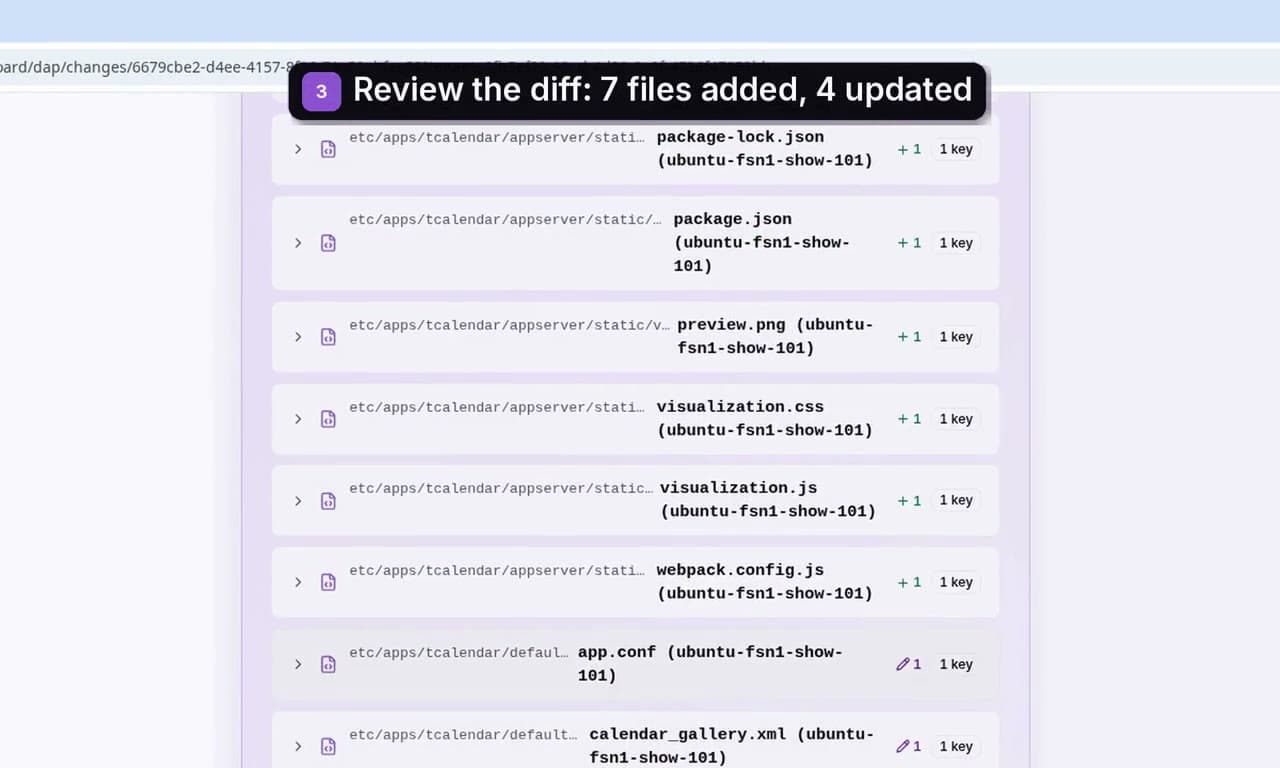
Check app packages and installation targets. For non-clustered Splunk upgrades, review host readiness and the rollout schedule.

Explore apps and upgrades
0:00 / --:--
Upgrade a Splunkbase appRecorded workflow · 1:17

CONFIGURATION DRIFT

See what changed in your configuration.

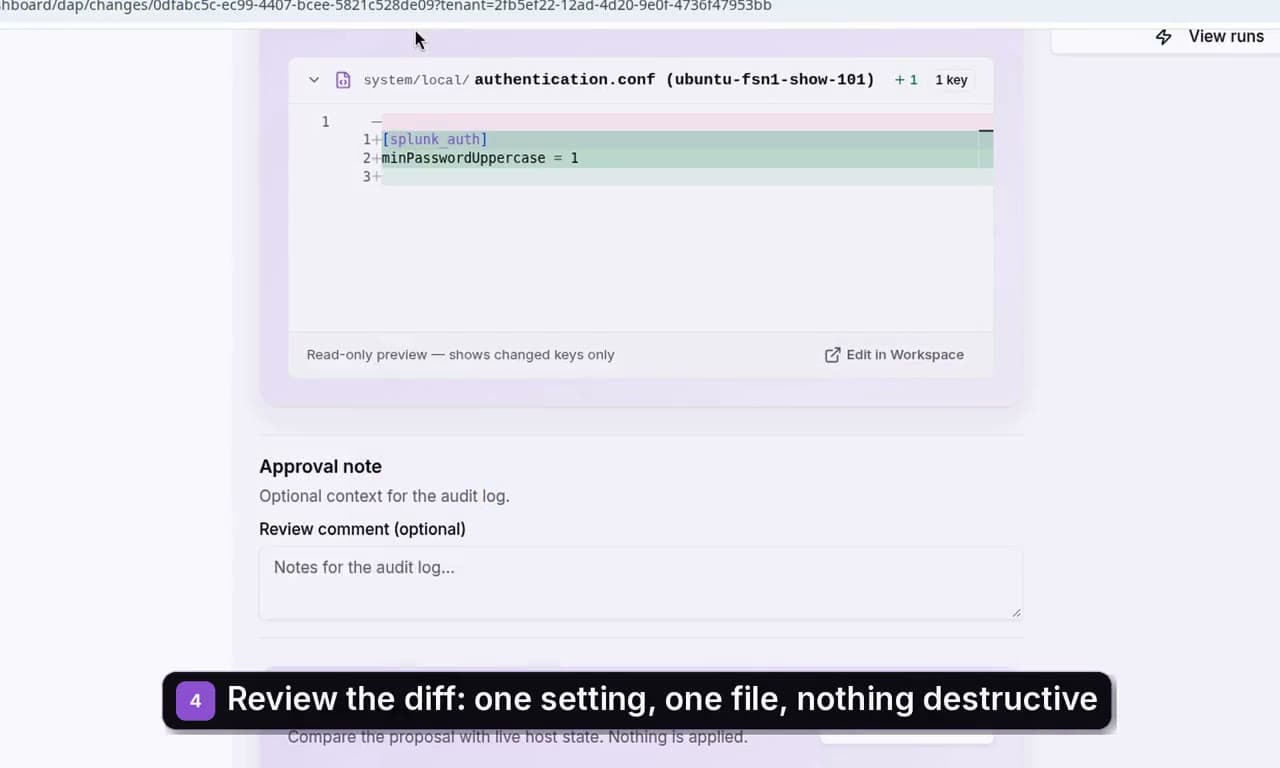
Compare settings against your baseline and app files against the pinned package. Review the differences before proposing a fix.

Explore configuration drift
0:00 / --:--
Review and fix a configuration findingRecorded workflow · 1:32

ROUTINES

Schedule the checks you repeat.

Schedule read-only checks using your saved instructions and integrations. Test each routine before enabling it.

Explore routines

MANAGED DETECTIONS

Check your data before adding detections.

Check Sigma rules against your data, then review the generated SPL and detection files in Git.

Explore detection readiness

FLEET & GIT INVENTORY

Know what changed on each host.

See host status, installed apps, and change history. Check readiness before planning the next change.

Explore Fleet

Take one task off your Splunk backlog.

DATA ONBOARDING

Get a new source ready for Splunk.

Inspect sample events and prepare parsing rules, sourcetypes, and field mappings.

What you review

Proposed configs + validation searches

Explore workflow: data onboarding

PLATFORM OPERATIONS

Investigate a failing search.

Trace a search or data issue using your Splunk context.

What you review

SPL + findings + next checks

Explore workflow: platform operations

SECURITY DATA QUALITY

Find the gaps in your CIM mapping.

Compare event fields with a CIM model and prepare mappings for review.

What you review

Gap findings + proposed mappings

Explore workflow: security data quality
Start your 7-day free trial

Find a missing CIM field.
Review the proposed fix.

Inspect events, map fields, and prepare a configuration for review.
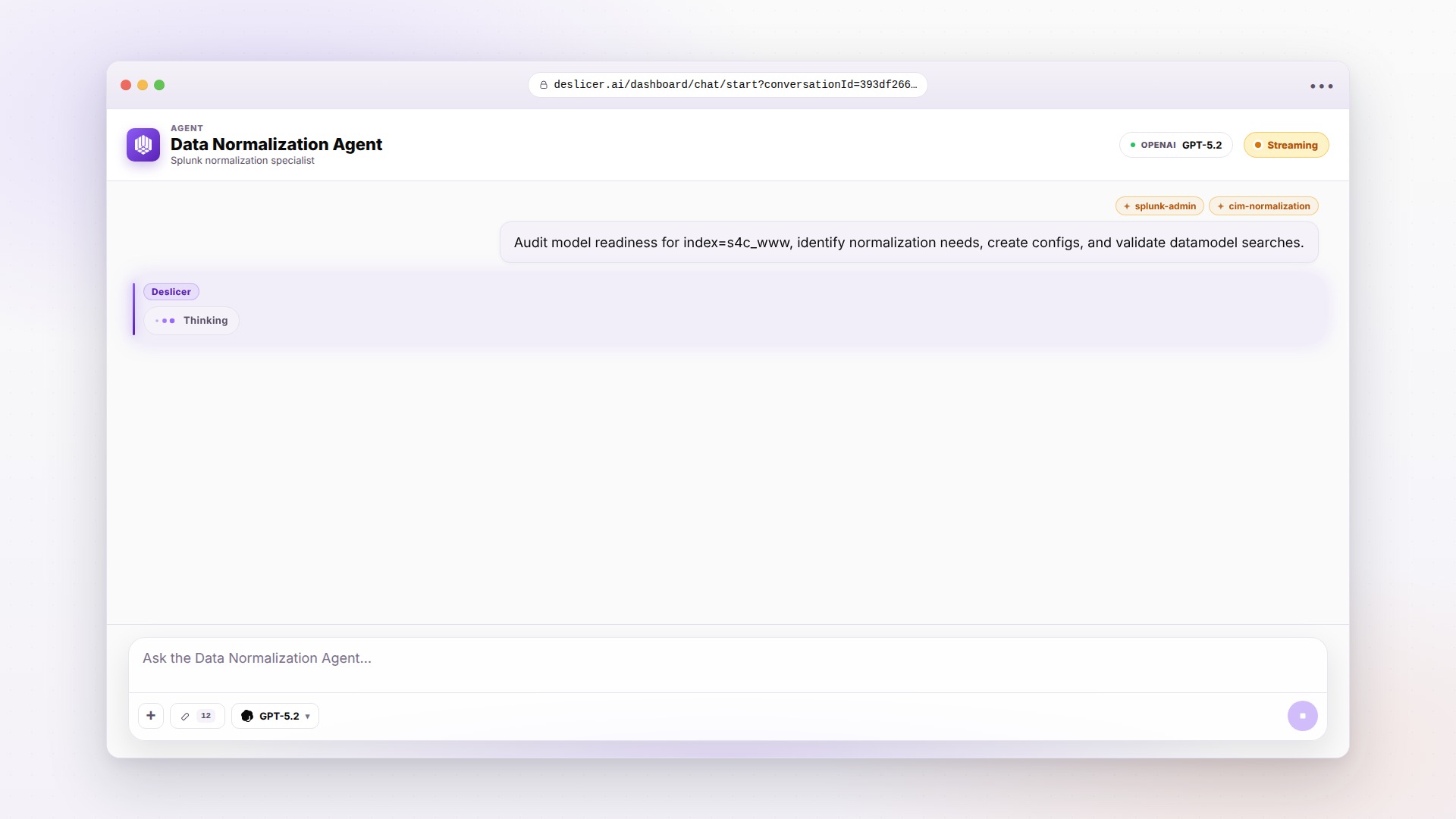
0:00 / --:--
Recreated product walkthrough · CIM normalization

DEPLOYMENT & ACCESS

Use Deslicer with your Splunk deployment.

Connect the tools and permissions your team needs. Choose SaaS or self-hosted deployment.

Check the integrations
Splunk Enterprise or Splunk Cloud
Investigate and plan with scoped Splunk access. Enterprise host changes use the Automation Platform; Splunk Cloud execution is limited to supported ACS operations and configured permissions.
Use Fleet directly or with agents
Use Fleet and governed change workflows without an agent, or add AI with your configured model provider and keys. Self-hosting does not by itself keep model traffic inside your network.
UI, CLI, and Splunk MCP
Use the Deslicer CLI for automation workflows or connect agents through the open-source Splunk MCP server.
CLI documentationSplunk MCP on GitHub (opens in a new tab)

More product walkthroughs.

Recreated examples using sample data.

0:00 / --:--

Explore more uses for your data

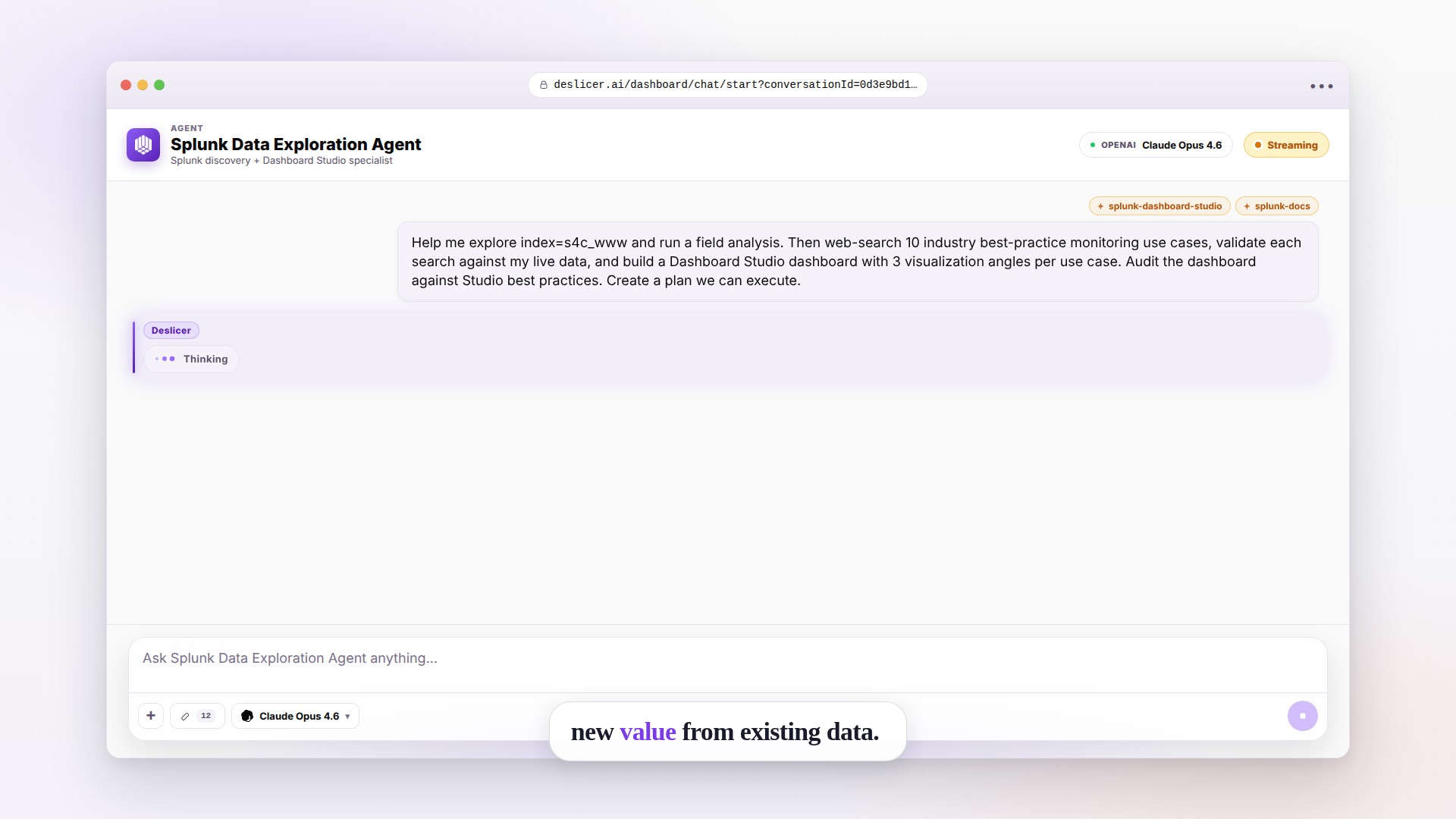
Follow a workflow from indexed data to proposed searches and dashboards.

Explore workflow: Explore more uses for your data
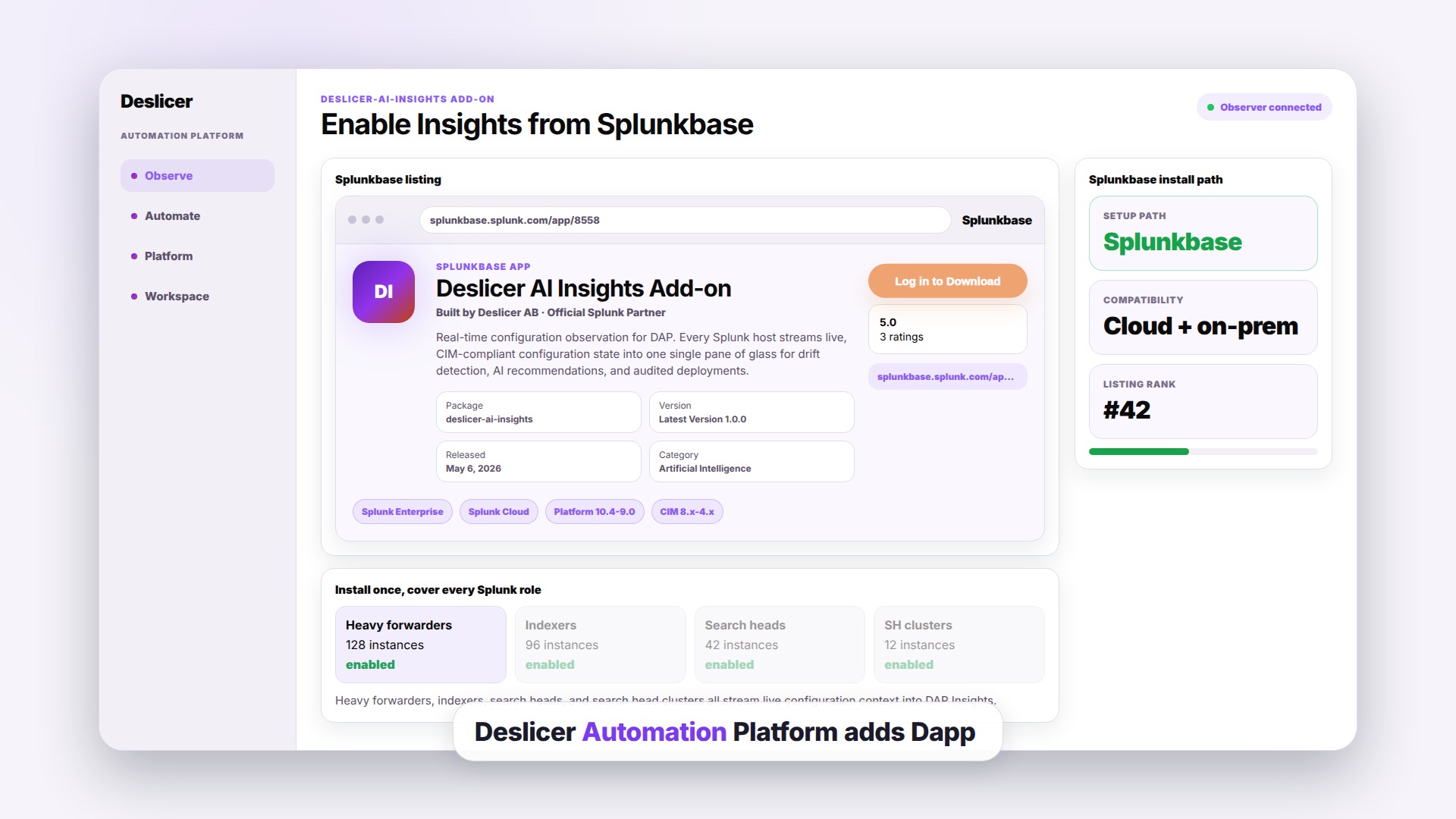
0:00 / --:--

Inspect your Splunk configuration

A recreated configuration review walkthrough. Some navigation labels reflect an earlier version.

Explore workflow: Inspect your Splunk configuration
YOUR QUESTIONS

Before you connect.

Start with one Splunk task.

Inspect an advisory, review an app update, or investigate a configuration change in your Splunk environment.

Start your 7-day free trial

No credit card required · €10 one-time signup credit

Prefer a walkthrough? Request a demo

Governed change management for Splunk. AI agents and people propose changes, your team approves the plan, and Deslicer records deployment and verification.

Works with Splunk® Enterprise and Splunk Cloud Platform today.

Splunk Technology Partner

Product

  • How it works
  • Workflows
  • CIM walkthrough
  • More walkthroughs
  • Integrations
  • Use cases
  • Docs
  • Pricing
  • ROI calculator
  • FAQ

Resources

  • Blog
  • Compare
  • Glossary
  • Sources
  • About
  • Contact
  • Privacy
  • Terms

© 2026 Deslicer. All rights reserved.