

Fleet and Git inventory
Know what changed on each host.
See enrolled Splunk hosts, their reported versions, app inventory, and change history. Inspect configuration evidence, prepare supported changes, and follow each host’s current or latest run through the Deslicer Automation Platform (DAP).
No credit card required · €10 one-time signup credit
Updated
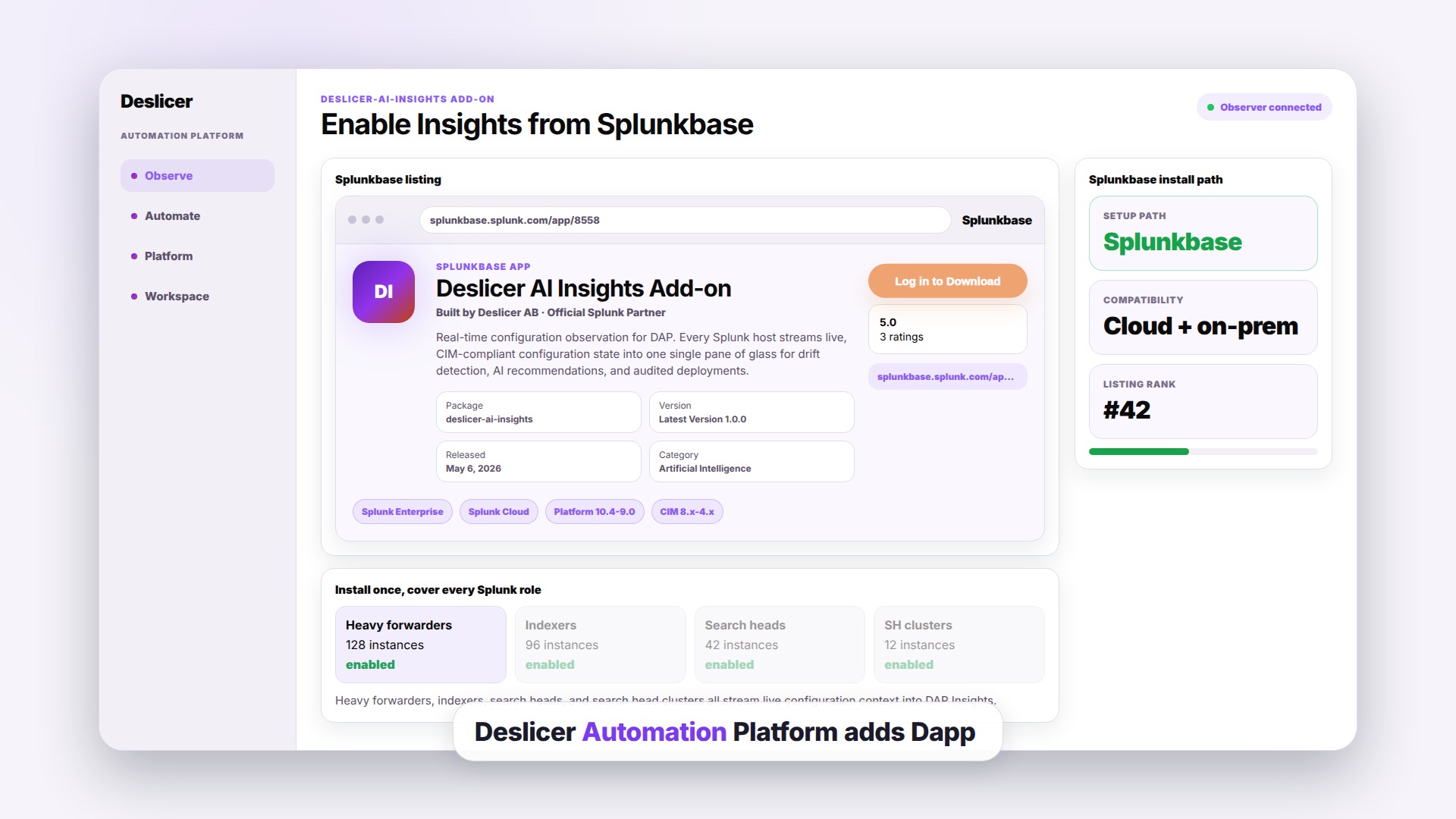
Illustrated workflow with sample data. The interface may differ from the current release.
What you can do
- Host inventory, reported versions, apps, and change history in one place.
- Configuration differences tied to their source evidence.
- Supported changes pass through review and approval before execution.
- Current and latest runs link the host to its change history.
How it works
Enroll and review hosts
Follow the Fleet enrollment flow to connect hosts. Review the host identity, inventory group, and reported state. Enrollment does not by itself establish readiness to run changes.
Open Fleet
Use Fleet → Hosts to review host health, Splunk versions, and the current or latest change run. Open a host for its configuration, app inventory, and change history.
Inspect configuration and app provenance
Browse observed configuration files by host and app. Review source information and compare verified drift with the pinned package before proposing a fix.
Draft and review a change plan
Prepare a supported change with its targets, prerequisites, and evidence. Review the scope and proposed differences before an authorized person approves it.
Execute and verify
Start an approved plan through a supported execution path. Follow run status, investigate failures, and check fresh host observations against the intended result. A completed run is not proof of the outcome by itself.
Keep the history connected
Return to the host’s Changes tab to inspect the change requests, approvers, and linked runs recorded for that host. Use reviewed Git adoption workflows where Git-managed inventory is required.
Before you begin
- Approved host enrollment and current observations from the host.
- Configured access and passing readiness checks for the action you want to run.
- A connected repository and reviewed source mapping when adopting apps into Git.
Common questions
Does enrollment mean a host is ready for changes?
No. Enrollment brings the host into inventory. Check the credentials, source mappings, package availability, and action-specific readiness before preparing a change.
What can I see in a host’s change history?
The host view links recorded change requests and their current or latest runs. Inspect status, approver, and the next action, then open the run for details. A request may include other hosts; the history makes that scope visible.
Does Git adoption overwrite the running app?
Treat Git adoption as a reviewed source-management workflow. Inspect the imported files and proposed pull request first. Applying a subsequent configuration change is a separate governed action.
Related workflows
Further reading
Enrol your first Splunk host
Start with one host. Review its identity, reported state, and app sources before preparing a change.
No credit card required · €10 one-time signup credit