

Use case
Audit, score, and remediate CIM coverage with a reviewer-approved workflow
Inspect CIM field coverage in your Splunk data and prepare configuration changes with supporting evidence. Review proposed mappings and validation searches, then use a governed change plan for supported remediation workflows.
No credit card required · €10 one-time signup credit
Updated
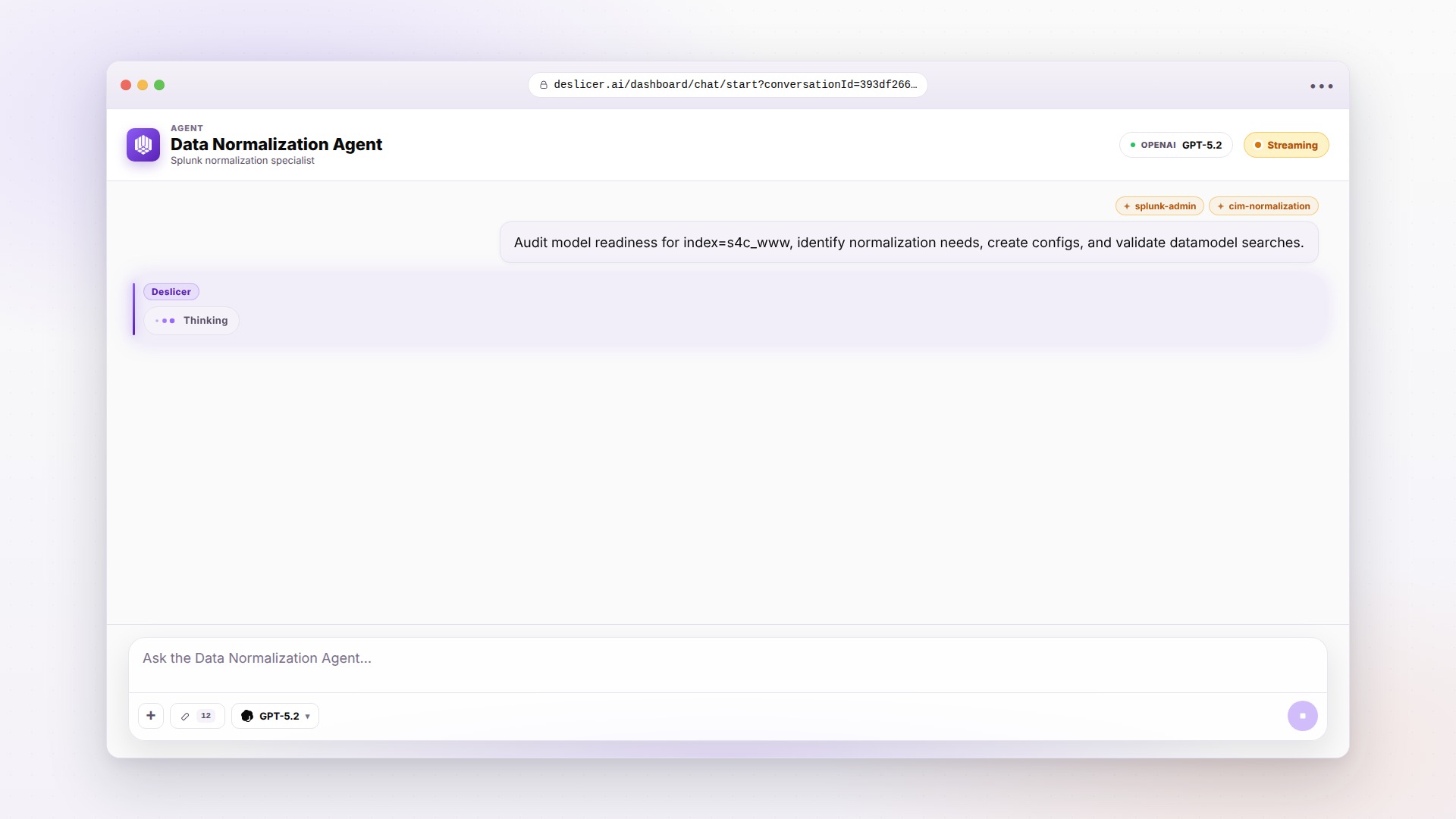
Illustrated workflow with sample data. The interface may differ from the current release.
What you can do
- Field-level findings show where data differs from the target CIM model.
- Proposed mappings and validation searches give reviewers a concrete starting point.
- Repeatable checks give your team evidence of coverage changes.
- Supported DAP remediations follow review, approval, execution, and verification.
How it works
Point the agent to your data
Tell the agent where your data lives — the Splunk index and sourcetype to inspect. It runs targeted SPL via MCP to fingerprint the fields and values already in your events, then proposes the CIM data model — Authentication, Network Traffic, Malware, Web — that best fits each sourcetype for normalization.
Score current coverage
The agent runs targeted SPL against your live Splunk via MCP to compute compliance scores per sourcetype, including field-level detail on which extractions are missing or misnamed. The output is a sortable matrix you can filter by sourcetype, app, owner, or severity before deciding what to remediate first.
Review the drafted remediation
For each below-threshold sourcetype the agent drafts the exact props.conf, transforms.conf, and tags.conf edits required to lift coverage. The drafts include before/after field-extraction snippets and a written rationale so reviewers can sanity-check intent without leaving the chat.
Approve the DAP change plan
The agent attaches the drafted edits to a DAP change plan and presents a confirmation card listing every change item grouped by host, app, file, and stanza. Reviewers approve, reject, or amend the plan before it leaves draft state. The plan can be split per environment so dev / pre-prod / prod roll out independently.
Execute the rollout
Approved plans transition through pending → approved → executing → completed with per-host status. If a host fails, you re-target only the failing segment instead of restarting the whole rollout. The execution log stays queryable so post-mortems can replay the exact step sequence.
Re-score and lock in the gain
After the rollout, run validation searches against fresh events and compare the affected fields with the intended CIM mapping. Investigate remaining gaps and propose further changes separately.
Further reading
Score CIM coverage in your env
Start with one task in your Splunk environment. Review the available integrations and access, then test the workflow with your team.
No credit card required · €10 one-time signup credit