

Use case
Prepare Splunk data and review CIM coverage in one workflow
Bring sample events into an onboarding workflow and review the proposed parsing, field mappings, and validation searches. The GDI Onboarding Agent generates Splunk app packages, the CIM Compliance Agent scores and remediates the schema, and the Deslicer Automation Platform (DAP) governs every config edit through a reviewer-approved change plan.
No credit card required · €10 one-time signup credit
Updated
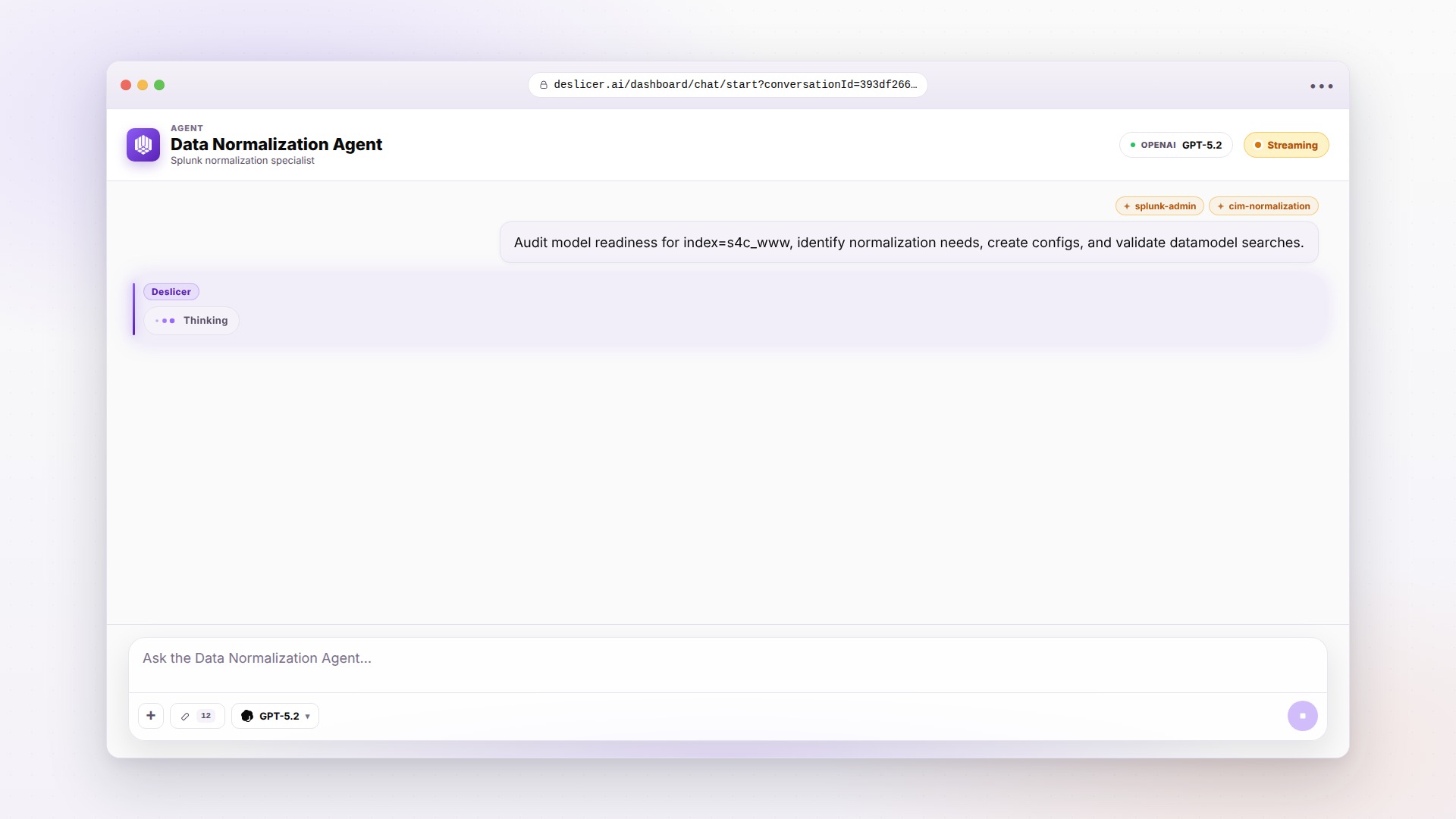
Illustrated workflow with sample data. The interface may differ from the current release.
What you can do
- Review proposed onboarding configurations and validation searches together.
- Repeatable coverage checks make changes in field coverage visible.
- Supported DAP configuration changes have a review, approval, and execution record.
- Inspect generated props.conf, transforms.conf, and serverclass.conf artifacts against your requirements before rollout.
How it works
Provide the data sample
Paste or upload a sample of the new data source, then name the application, expected volume, and retention target. The GDI Onboarding Agent uses this metadata to bias its later proposals — for example, electing a sourcetype name that aligns with your existing TA conventions instead of inventing a new one.
Generate the multi-app config package
The agent drafts app configurations such as inputs.conf, props.conf, transforms.conf, tags.conf, and serverclass.conf. Review the proposed layout against your deployment roles and conventions before packaging it.
Score CIM coverage and remediate
Inspect the sourcetype against the relevant CIM data model. Review field coverage, proposed extractions, and tagging changes alongside validation searches. Coverage depends on the data and scope inspected.
Run a Splunk readiness check
With the Splunk MCP integration connected, the agent verifies that the target index exists, no sourcetype collision is pending, and the forwarder hosts are reachable. Pass / warn / fail results appear inline with recommended actions, blocking finalization on critical fails.
Draft a DAP change plan
The agent attaches the generated config edits to a DAP change plan with a name, description, and target host group. A confirmation card appears in chat that lists every change item grouped by host, app, file, and stanza. Reviewers approve or reject the card before any change is staged.
Execute under governance
Execute an approved plan through a supported path and follow per-host results. Inspect failures before choosing a recovery action, then validate fresh data and configuration evidence.
Schedule recurring compliance runs
Create a routine for read-only coverage checks. Configure its scope and integrations, test the output, and explicitly enable the schedule. Review new findings before proposing another change.
Further reading
- Deslicer Docs — Data Onboarding use case (opens in a new tab)
- Deslicer Docs — Purpose-Built Agents (GDI Onboarding) (opens in a new tab)
- Deslicer Docs — Automation Platform overview (opens in a new tab)
- Splunk Common Information Model — official add-on docs (opens in a new tab)
- Splunk — Getting Data In (GDI) reference (opens in a new tab)
Start a managed onboarding run
Start with one task in your Splunk environment. Review the available integrations and access, then test the workflow with your team.
No credit card required · €10 one-time signup credit